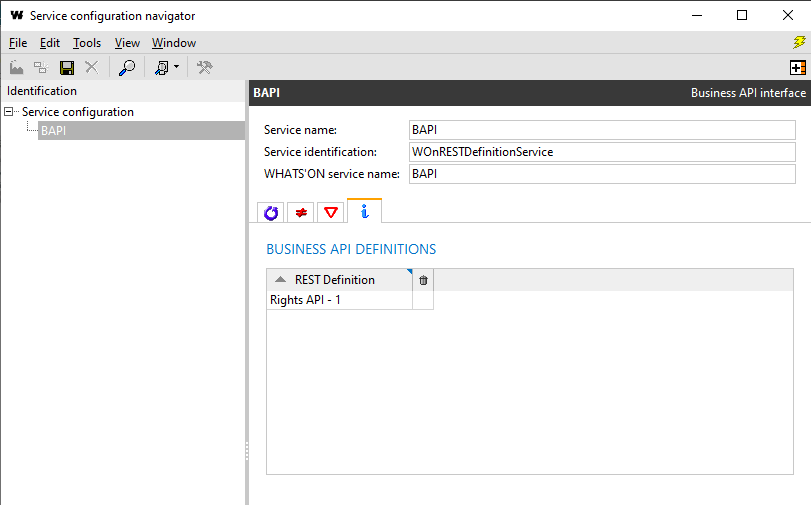
Configuration
Create a new Business API service
To create a new Business API service, go to the service configuration browser (Administration > WHATS'ON services > Service configuration browser).
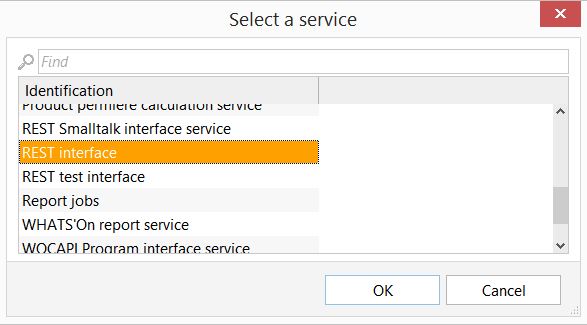
Create a new service of type REST interface.
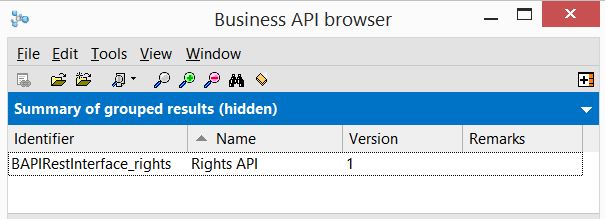
Right-click in the REST definitions table and select Add business API. Select and link one of the Business API definitions, e.g. Rights API.
It makes sense to change the Service name to something more descriptive, such as "My Rights management system 2.0 Business API".
Make sure to enter a valid HTTP port in the REST Port field.
To enable authentication, set the Authentication drop-down to User based JWT and configure the Access token validity period (seconds). For more information on how authentication works, see Authentication.
Once configured, the service can be installed and started like any other WHATS'ON service.
The following screenshot shows a configuration for a Rights API service: